
WP Conversion Tracker 3 Review – Is It Worth It for Affiliate Marketers?
If you are running affiliate campaigns, paid ads, email funnels, or even simple blog promotions, one thing matters more than almost anything else: tracking conversions properly. Without accurate tracking, you are basically guessing which traffic sources, campaigns, or offers are making money.
That is where WP Conversion Tracker 3 comes in.
WP Conversion Tracker 3 is designed to help WordPress users track leads, clicks, sales activity, and conversion data directly inside their website without relying entirely on complicated third-party setups. The software focuses heavily on simplicity, visibility, and conversion monitoring for marketers who want clearer data without needing advanced coding skills.
For affiliate marketers, especially, this kind of tool can be extremely valuable because most beginners lose money simply from not knowing where their conversions are actually coming from.
What Is WP Conversion Tracker 3?
WP Conversion Tracker 3 is a WordPress-based conversion tracking and analytics tool built to help website owners monitor visitor actions and campaign performance.
The software aims to simplify conversion tracking by helping users:
Track visitor behaviour
Monitor conversions
View campaign activity
Analyse traffic performance
Understand which pages and offers convert best
Improve marketing decisions using real data
The platform appears focused on marketers, affiliate marketers, lead generation businesses, and WordPress site owners who want more insight into what is happening on their websites.
Unlike overly technical analytics setups that can become confusing fast, WP Conversion Tracker 3 appears to focus on user-friendly tracking and visual reporting.
That alone makes it appealing to many affiliate marketers.
First Impressions
The first thing that stands out about WP Conversion Tracker 3 is that it looks designed for practical marketers rather than developers.
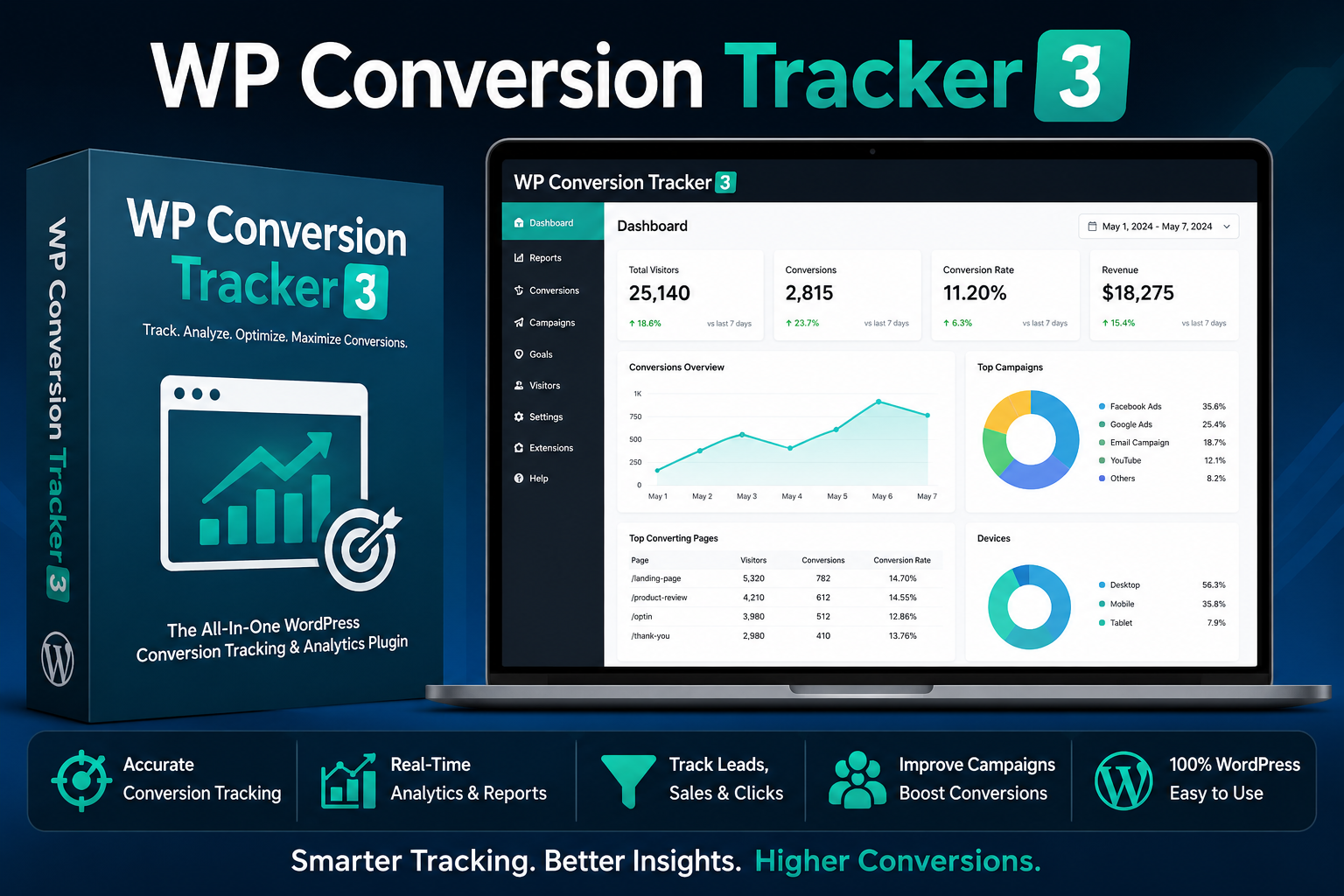
The dashboard shown on the sales material looks clean, organised, and focused on actionable metrics instead of overwhelming charts and technical jargon.
That matters because many tracking systems become frustrating for beginners.
WP Conversion Tracker 3 seems to focus on:
Simplicity
Speed
Conversion-focused reporting
Easy campaign monitoring
WordPress integration
For marketers who want fast insights without spending weeks learning Google Tag Manager or complicated analytics configurations, that is a major positive.
Key Features
Here are some of the main features promoted with WP Conversion Tracker 3.
Conversion Tracking
The core feature is obviously conversion tracking itself.
This allows users to monitor important actions happening on their website such as:
Opt-ins
Leads
Button clicks
Sales actions
Funnel activity
Campaign performance
For affiliate marketers, this can help identify:
Which traffic sources are converting
Which pages perform best
Which offers are underperforming
Which campaigns deserve more budget
This type of data is critical for scaling affiliate campaigns profitably.
Campaign Monitoring
Another useful feature is campaign-level visibility.
Instead of guessing which campaign is producing results, users can reportedly track campaign performance more accurately.
That is important because many affiliate marketers run:
Facebook ads
YouTube campaigns
TikTok traffic
Solo ads
Email campaigns
Blog promotions
Without proper tracking, it becomes difficult to know where profits are actually coming from.
WordPress Integration
One of the biggest advantages is that WP Conversion Tracker 3 appears to be built specifically for WordPress users.
That means users avoid many of the technical headaches often associated with external analytics platforms.
For beginners, especially, an easier setup can mean the difference between actually using tracking software or abandoning it entirely.
Reporting Dashboard
The visual reporting system looks beginner-friendly and practical.
Good reporting matters because raw data alone is useless if you cannot quickly interpret it.
The software seems focused on:
Readable reports
Simple conversion metrics
Clear campaign performance
Easy visibility
For many marketers, that is more useful than complicated enterprise-level analytics.
Who Is WP Conversion Tracker 3 Best For?
WP Conversion Tracker 3 seems best suited for:
Affiliate Marketers
Affiliate marketers are probably the primary audience.
If you promote offers from platforms like:
ClickBank
WarriorPlus
JVZoo
Digistore24
Then, understanding which campaigns generate actual conversions is extremely important.
Bloggers
Bloggers monetising through affiliate links or lead generation can benefit from understanding which content drives the most conversions.
Lead Generation Businesses
Businesses collecting leads through forms and landing pages may also benefit from better conversion visibility.
Beginners Wanting Simpler Tracking
One of the strongest selling points appears to be simplicity.
Many people struggle with:
Google Analytics
GA4 setup
Tag Manager
Pixel configurations
Event tracking
WP Conversion Tracker 3 seems positioned as a simpler alternative for WordPress users.
What I Like About WP Conversion Tracker 3
Easy-To-Understand Focus
The product appears focused on practical marketing results rather than technical complexity.
That is a major positive.
Designed for WordPress
WordPress-specific integration makes setup potentially easier for non-technical users.
Useful for Affiliate Marketing
Tracking conversions is one of the biggest weaknesses many affiliate marketers have.
A tool focused specifically on improving conversion visibility can genuinely help improve profitability.
Cleaner Reporting
The dashboard shown in the promotional material looks modern and easy to follow.
That matters more than many people realise.
Potential Downsides
No software is perfect, and there are a few things worth considering.
Learning Curve Still Exists
Even simplified tracking platforms still require some learning.
Beginners should expect to spend time understanding:
Campaign setup
Conversion goals
Tracking logic
Traffic analysis
Depends on Proper Setup
Like all tracking systems, results are only as accurate as the setup itself.
Improper configuration can still lead to inaccurate reporting.
WordPress Focus
If you do not use WordPress, this product may not be ideal.
Is WP Conversion Tracker 3 Worth Buying?
For affiliate marketers and WordPress site owners who struggle with tracking conversions properly, WP Conversion Tracker 3 looks like a genuinely useful tool.
The biggest strengths appear to be:
Simplicity
WordPress integration
Conversion-focused reporting
Campaign visibility
Beginner-friendly dashboard
Many marketers lose money simply because they cannot clearly see what is working.
Better tracking often leads to:
Better optimisation
Smarter ad spending
Higher ROI
Better-performing campaigns
That alone can justify the investment if the software performs as advertised.
While advanced marketers may still prefer highly customised analytics stacks, WP Conversion Tracker 3 seems designed for users who want a more practical and easier-to-manage solution.
Final Verdict
WP Conversion Tracker 3 looks like a solid tracking solution for affiliate marketers, bloggers, and WordPress users wanting clearer visibility into their marketing performance.
It will probably appeal most to users who:
Want simpler conversion tracking
Use WordPress regularly
Run affiliate campaigns
Need clearer reporting
Want to optimise conversions without technical overwhelm
If you are tired of guessing where your conversions are coming from, WP Conversion Tracker 3 may be worth considering as part of your affiliate marketing toolkit. The focus on simplicity and conversion visibility makes it particularly appealing for marketers who want actionable data without dealing with overly complicated analytics systems.



There is certainly a lot to learn about this subject.
I like all the points you have made.