
All Thumbs Review – Create Eye Catching YouTube Thumbnails Without Design Skills

All Thumbs Review – Create Eye Catching YouTube Thumbnails Without Design Skills
AND IT IS FREE
If you are trying to grow a YouTube channel, one thing matters more than most people realize… your thumbnail.
You can spend hours creating a great video, but if the thumbnail does not grab attention, many people will never click to watch it. In today’s competitive YouTube environment, thumbnails are often the deciding factor between getting views or getting ignored.
That is where All Thumbs comes in.
In this All Thumbs review, we will take a look at what the software does, who it is designed for, the features included, and whether it is worth using for your YouTube marketing and content creation efforts.
What Is All Thumbs?
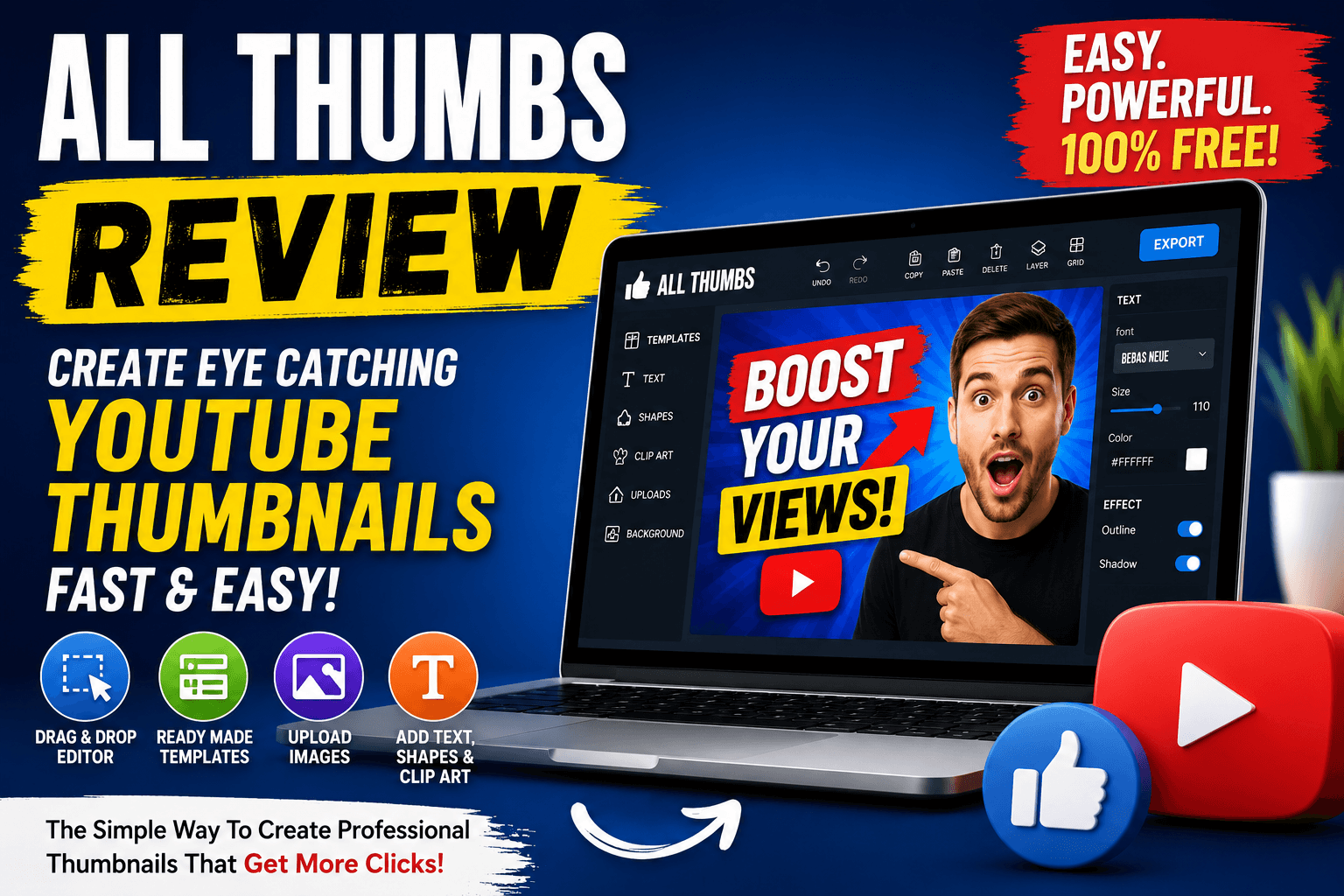
All Thumbs is a drag-and-drop YouTube thumbnail creator designed to help users create professional-looking thumbnails quickly and easily.
The software was created for beginners, affiliate marketers, YouTubers, content creators, and online business owners who want better thumbnails without needing expensive graphic design software or advanced editing skills.
According to the creator, the main purpose of All Thumbs is simple:
Help people create thumbnails that attract clicks and increase video views.
The software includes ready-made templates, drag and drop editing, image uploads, text editing tools, shapes, and clip art features to make the thumbnail creation process easy for anyone.
Why YouTube Thumbnails Matter
One of the strongest points made during the product presentation is the importance of thumbnails for YouTube success.
When viewers browse YouTube, they are constantly presented with recommended videos. Most people decide what to watch based on two things:
The video title
The thumbnail
A thumbnail acts like a mini advertisement for your video. If it looks boring, unclear, or low quality, people will often skip over your content, even if the actual video is excellent.
A strong thumbnail can:
Increase click-through rates
Bring in more free traffic
Improve viewer curiosity
Help videos stand out from competitors
Grow channel visibility
This is why many successful YouTubers spend significant time creating thumbnails that are bold, emotional, and visually engaging.
All Thumbs was designed specifically to simplify that process.
Features Included In All Thumbs
Drag And Drop Editor
One of the main features of All Thumbs is the drag-and-drop editor.
Instead of dealing with complicated design software, users can simply click on elements and customize them directly inside the editor.
This makes the platform beginner-friendly and easy to learn.
Ready-Made Templates
The software includes multiple thumbnail templates that users can start with immediately.
Templates help speed up the design process and give users inspiration for layouts, colors, and text placement.
This is especially useful for beginners who are unsure how to structure a thumbnail design.
Text Editing Tools
Users can add and customize text directly inside the software.
This allows creators to add large attention-grabbing words that encourage viewers to click on videos.
Text is one of the most important parts of a thumbnail, and All Thumbs makes it simple to adjust fonts, placement, and sizing.
Image Uploads
The software allows users to upload their own images.
This is useful for adding faces, screenshots, branding, logos, or product images into thumbnails.
Personalized thumbnails often perform better because they help build familiarity and trust with viewers.
Built-In Clip Art Library
All Thumbs also includes a built-in clip art library.
This helps users quickly add visual elements without needing to search for graphics elsewhere.
Export Function
Once the thumbnail is complete, users can export and download it directly to their computer.
The thumbnail can then be uploaded to YouTube when publishing a video.
Who Is All Thumbs Best For?
All Thumbs appears to be ideal for:
YouTube beginners
Affiliate marketers
Small business owners
Content creators
Online coaches
Review channel creators
Social media marketers
If you regularly upload videos and want a faster way to create thumbnails, this tool could save time and simplify your workflow.
What I Like About All Thumbs
Beginner Friendly
One of the biggest strengths of this software is simplicity.
You do not need Photoshop experience or professional design knowledge to use it.
The drag and drop system makes it approachable for beginners.
Fast Thumbnail Creation
Templates and built-in design tools allow users to create thumbnails quickly.
This can be extremely useful for creators producing content consistently.
Designed For Clicks
The entire system is focused on helping users create attention-grabbing thumbnails that improve click-through rates.
That marketing-focused approach is valuable for YouTubers trying to grow.
Free Access
One surprising point mentioned by the creator is that the software is completely free with no upsells inside the system.
That is refreshing in a market where many tools lock features behind expensive upgrades.
Potential Downsides
Although All Thumbs looks useful, there are a few things to consider.
Advanced designers may still prefer professional software like Photoshop or Canva for highly detailed customization.
Also, while templates are helpful, success on YouTube still depends on good content, titles, consistency, and audience targeting.
A great thumbnail helps attract clicks, but the video itself still needs to deliver value.
Final Verdict
Overall, All Thumbs looks like a practical and beginner-friendly thumbnail creator for YouTubers and marketers.
The drag and drop editor, templates, clip art library, and customization options make it easy for users to create eye-catching thumbnails without complicated software.
If you struggle with thumbnail design or want a faster way to create professional-looking YouTube graphics, All Thumbs could be worth checking out.
For beginners, especially, this software may help improve video presentation, attract more clicks, and increase YouTube visibility without needing expensive design tools.